
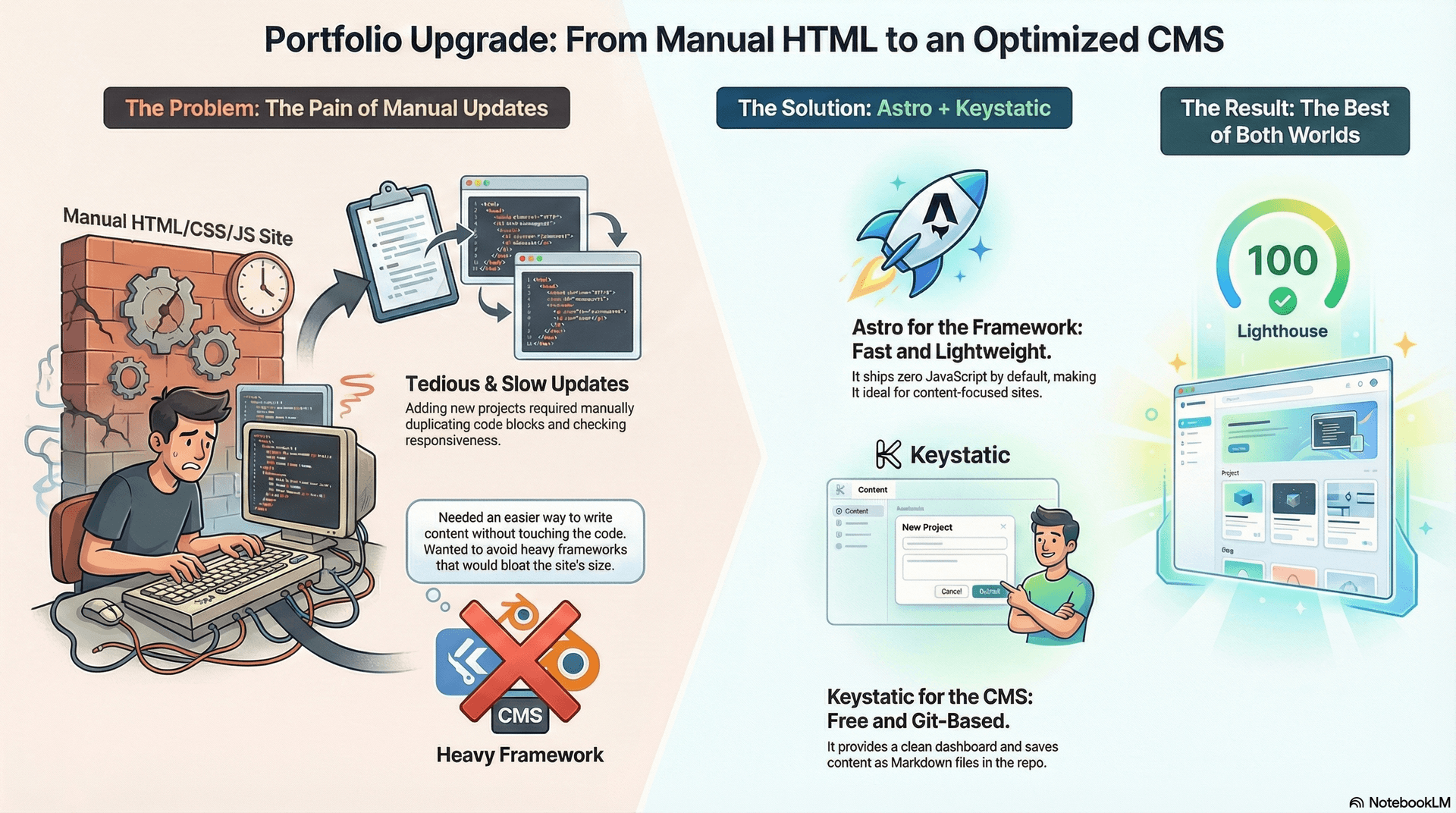
For a long time, my portfolio was a labor of love built with pure, unadulterated Vanilla HTML, CSS, and JavaScript. I took pride in hitting those 100/100 Lighthouse scores and knowing exactly what every line of code did.
But there was a problem: Updates were a pain.
Every time I wanted to add a new project or certification, I had to open VS Code, duplicate a <div>, copy-paste classes, and manually check responsiveness. I needed a way to write content easily without touching the codebase, but I refused to switch to a heavy framework like Next.js that would bloat my bundle size.
Enter Astro & Keystatic
I decided to migrate to Astro. It’s perfect for content-heavy sites because it ships zero JavaScript to the client by default. It let me keep my highly optimized CSS and vanilla JS scripts (like my galaxy background) while giving me the power of components.
To manage the content, I chose Keystatic. It's a "headless" CMS that lives right in your repo.
- No Database: It saves posts as Markdown/Markdoc files directly in GitHub.
- Great UI: It gives me a clean dashboard to write blogs (like this one!).
- Zero Cost: Since it's just files, I don't pay for a separate CMS hosting service.
The Migration Process
The process was surprisingly smooth. I adopted a "1:1 Clone" strategy:
- Base Layout: I moved my
<head>metadata and global styles into an Astro Layout. - Componentization: I broke my
index.htmlinto chunks like<Hero />,<Projects />, and<About />. - Assets: I moved my optimized WebP images to the public folder.
The Result
The site feels exactly the same—fast, dark-themed, and responsive. But now, adding a blog post is as simple as logging into my admin panel and typing. The best part? My Lighthouse score is still perfect.
This migration taught me that you don't always need complex tools to build great software, but the right tools can make your life as a developer so much easier. That's it!